Click on the "Open button" in the menu which shows numbers next to the folder. By clicking there a file browser opens.

Select one or more files by keeping CTRL pressed. A selection of several files to be loaded into slots would look like this:
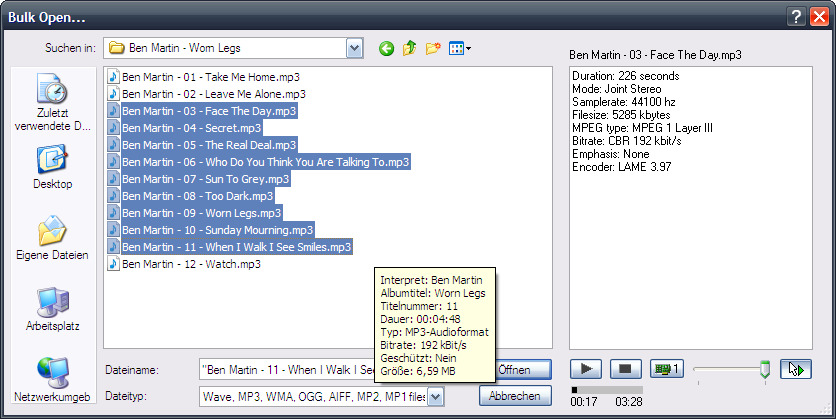
Please note: if you load several audio files at once this way the audio files that have been previously allocated to slots are removed!
